Fix Tonearm Skate When Anti-Skate Dial Seems Unresponsive
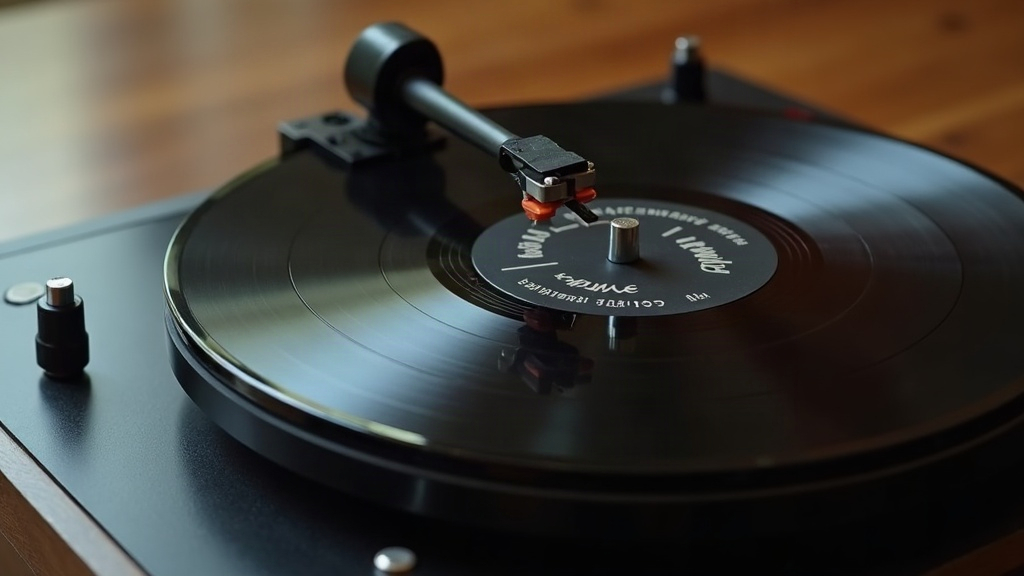
If your anti-skate dial seems to do absolutely nothing, no matter where you set it, the stylus is probably still getting dragged toward the spindle. That’s tonearm skate, and left unchecked it chews up one groove wall faster than the other, smears the inner-channel sound, and occasionally sends the needle hopping tracks mid-song. Before you write off the dial as broken, know this: it almost never is. Nine times out of ten the real culprit is tracking force, cartridge alignment, or something physically snagged in the anti-skate linkage.
What Tonearm Skate Actually Is
Skate is just a side effect of geometry. A pivoted arm sweeping across a spinning record generates friction, and that friction, combined with the arm’s angle, creates an inward pull toward the spindle. Anti-skate exists purely to cancel that pull with a small outward nudge, delivered through a hanging weight on a string, a spring-loaded dial, or a magnet, depending on what turntable you own.
Signs it’s not doing its job:
- Sibilance (“ess” sounds) that’s noticeably louder in the right channel
- The needle skipping inward during quiet passages
- A lopsided stereo image, one channel thinner than the other
- Visible wear favoring one groove wall over the other
Why the Dial Might Seem Unresponsive
Before you assume the dial itself has failed, rule out the much more common suspects below.
1. You Balanced Anti-Skate Before Tracking Force
Here’s the thing: anti-skate only means anything once the arm is zero-balanced and tracking force is dialed in correctly. Set it first, and the dial’s behavior will look completely random, because technically it is. The order matters:
- Set anti-skate to 0.
- Float the arm level at zero gravity.
- Dial in tracking force per your cartridge’s spec (usually somewhere in the 1.5–2.5g range).
- Only now set anti-skate, typically matched close to your tracking force number.
2. The Mechanism Is Physically Stuck
On older belt-and-weight setups (think vintage Dual or Pioneer decks), the anti-skate string is basically fishing line, and it loves to slip off its little guide pulley or tangle itself into uselessness. When that happens, the dial spins but nothing actually happens downstream. Worth checking:
- Peek underneath the arm base for a small hanging weight on a thread.
- Make sure that thread is sitting in its groove on the pulley, not slipped off to one side.
- On spring or magnetic anti-skate (common on newer Audio-Technica or Pro-Ject tables), you should feel or hear a faint click as you rotate the dial. No click usually means the spring tension has worn out.
3. Your Cartridge Isn’t Aligned Right
A crooked cartridge mount changes the actual skating force your stylus experiences, regardless of what your anti-skate dial says. Grab a basic protractor (Baerwald or Löfgren pattern) and check:
- Overhang distance is correct
- Headshell offset angle matches spec
- Stylus sits parallel to the groove at both null points
No amount of anti-skate fine-tuning fixes a cartridge that’s mounted crooked. It’s like trying to correct a wonky picture frame by adjusting the wall.
4. The Stylus Is Worn Out
A worn tip no longer rides the groove the way it should, and that makes skate-related mistracking worse than it needs to be. If your stylus has clocked over 500-800 hours, or you’re hearing the same inner-groove distortion show up across multiple records regardless of pressing, replace it first. No anti-skate setting will rescue a dead stylus.
A Simple Real-World Test
Drop the needle on a test record, or honestly any quiet vinyl passage, and slowly dial anti-skate up from zero. What you’re listening and watching for:
- No inward skating on blank lead-in grooves
- Distortion clearing up evenly in both channels, not just one
- The arm not getting yanked outward (that’s over-compensation, and it’s its own problem)
If nothing you try improves things, stop blaming the setting and start suspecting a mechanical fault. Pull the bottom off the arm wand and check that the anti-skate linkage hasn’t come disconnected internally.
Quick Fix Checklist
- Zero-balance the tonearm first, before touching anything else
- Set tracking force to your cartridge’s spec
- Match the anti-skate dial roughly to that tracking force number
- Check the string/pulley or spring mechanism for slack or disconnection
- Re-verify cartridge alignment with a protractor
- Swap the stylus if it’s worn
Conclusion
A tonearm that keeps skating no matter how you turn the dial is almost never a dead anti-skate system. It’s usually a setup sequence done out of order, a loose link in the mechanism, or an alignment problem hiding in plain sight. Work through tracking force, then the mechanism, then alignment, in that order, and in most cases you’ll get clean, centered tracking back without replacing a single part.